
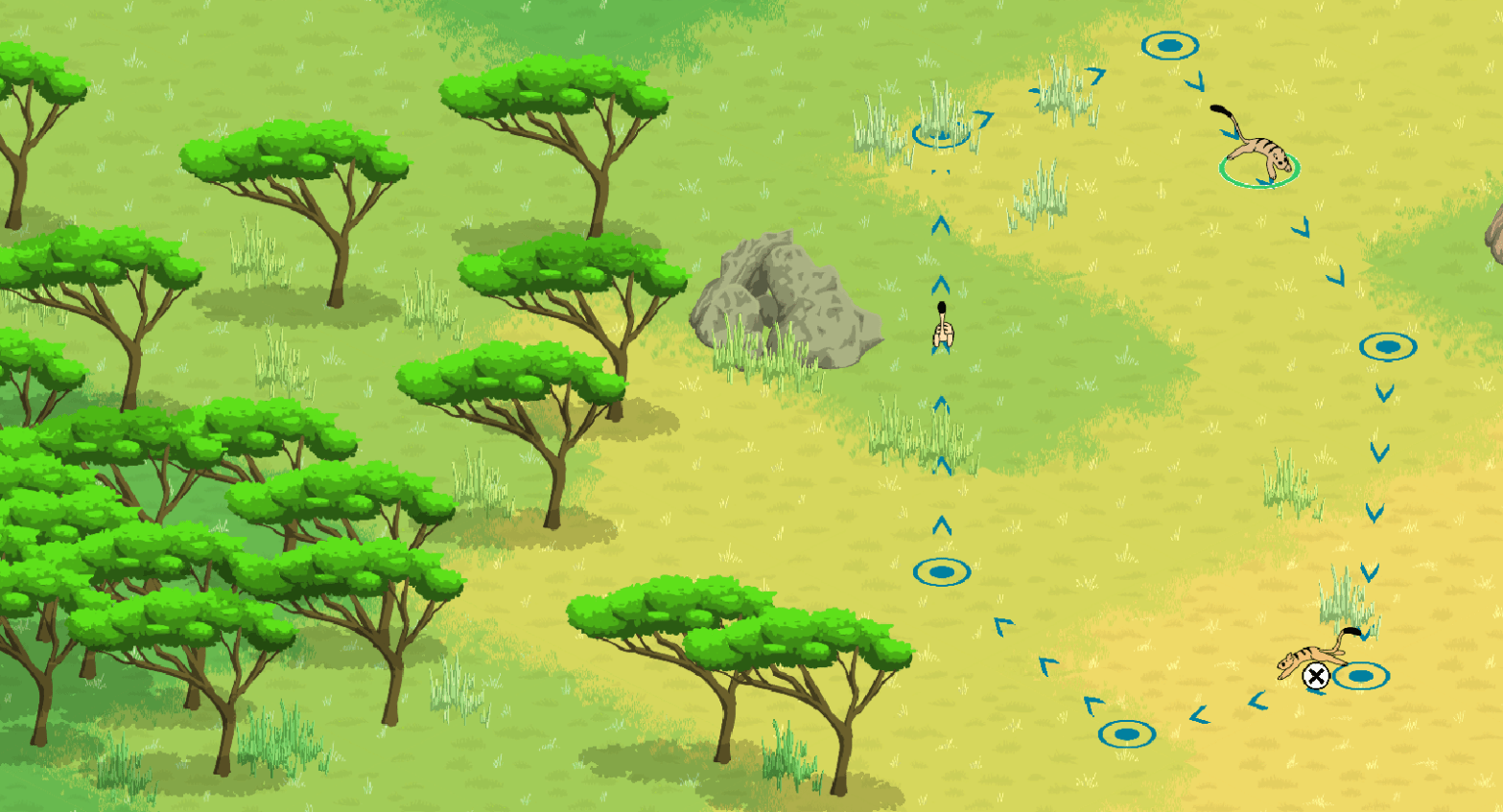
I hope everyone has had a good week! I had a fairly productive one. The work I did doesn’t translate into many new visuals in the game, but I’m still happy to share them with you!
Quick Summary
Just for fun, this week, I’m giving assigning medals by how important each feature is 😄:
- 🥇 TroopManger Created
- This is a class that is aware of all troops in the game
- Enables tabbing through all troops on the map
- Camera
- 🥉 When if follow mode, camera automatically scrolls to newly selected troop
- Nodes and navigation:
- 🥈 Nodes can now be deleted
- One-way routes now dim when deselected instead of disappearing
- When tabbing the route of the selected troop will highlight
- Graphical cleanup:
- Route lines no longer overlap with route nodes
- Clicking and dragging nodes doesn’t “shunt” nodes to be under the cursor
- Graphics
- More rocks created
- Polled folks on the internet for some graphical style feedback
Troop Manager
Much like the RouteManager from last week’s entry, which keeps track of all the routes, the TroopManager keeps track of all the troops on the map. A quick note, each Arborian you see on the screen is actually a symbol for a group of Arborians called a troop.
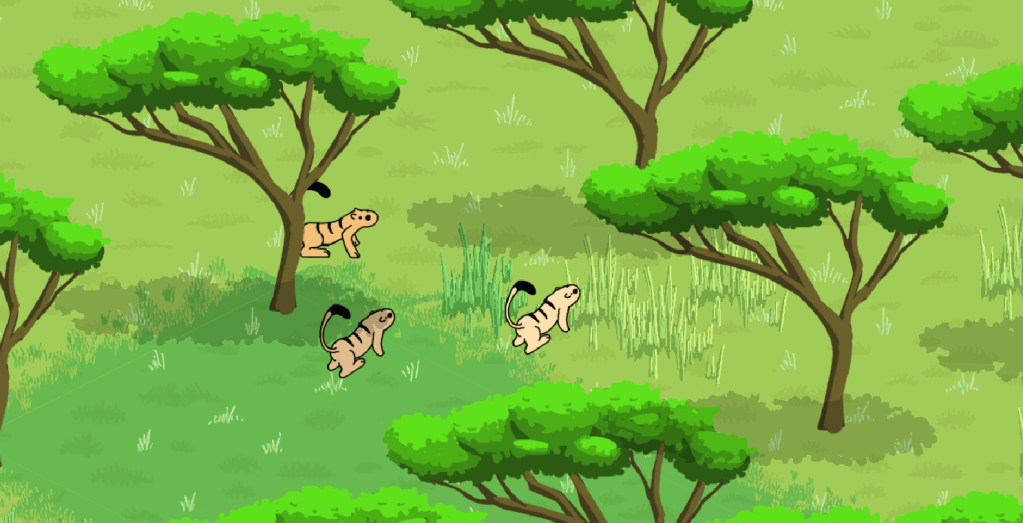
The addition of multiple troops late last week was a leap into increased complexity for the game. Before this point all my methods only dealt with one troop (Troop One), so it was very important to create a central agent to manage the new operations and interactions that multiple troops will create.
The TroopManager’s first feat is to enable the player to tab between troops.
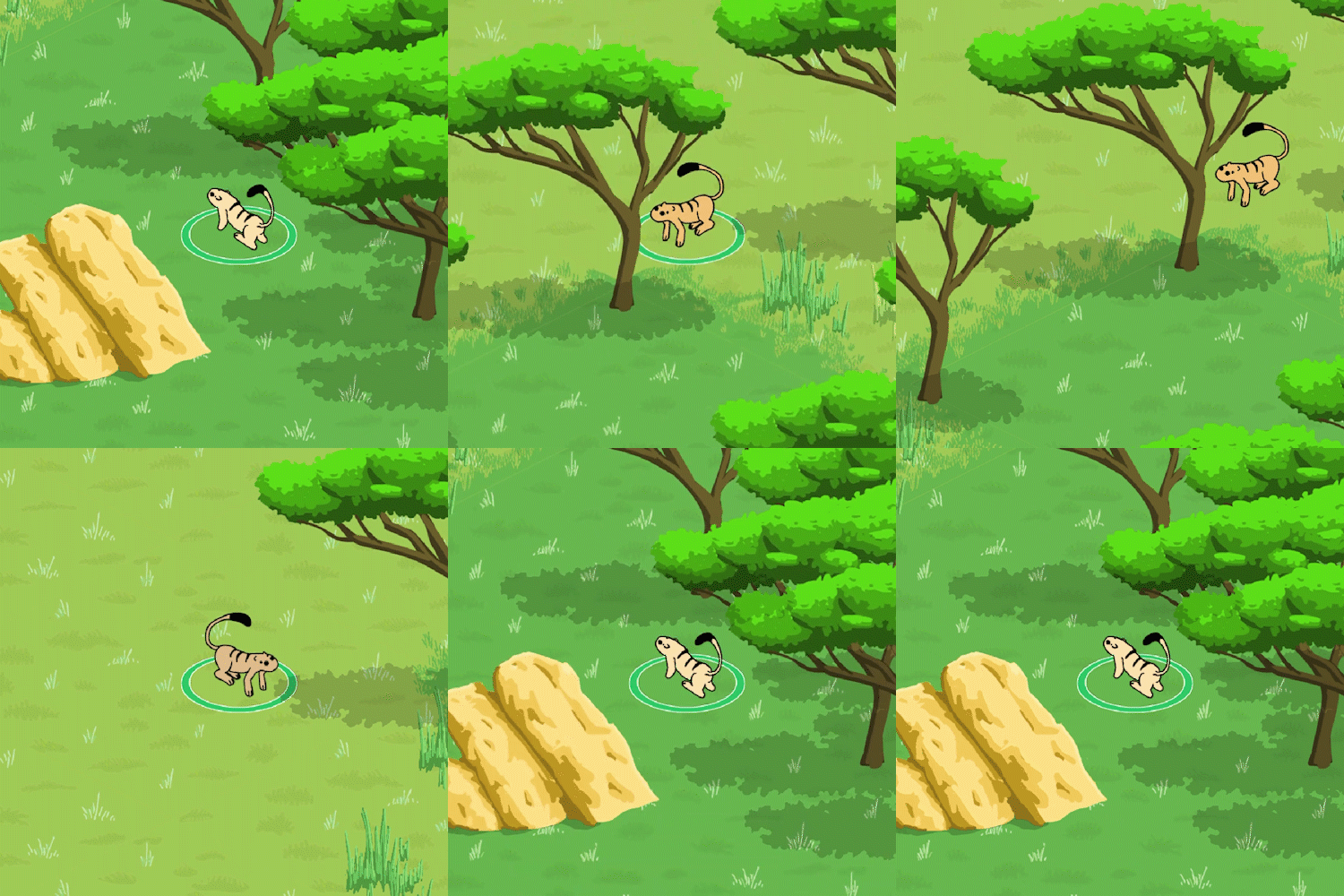
The scrolling effect between the troops in the gif above is achieved by moving the camera along a line between two troops. It’s very helpful to ensure that the player does not get disorientated by flashing immediately from one place to another.
The next step for the TroopManager is to get a user interface to represent all selectable troops, I’m really looking forward to making that! 😆 I have the concept sketched up and I am hoping to create something simple and functional.
Node deletion and highlighted routes
Last week you saw how the circuit routes become highlighted when a troop is selected. Using “Tab” to page through troops maintains this behavior. I also decided that the One-Way routes should remain visible when deselected, so now they dim when deselected instead of completely disappearing.
But the big news of the this section is that you can now delete nodes in routes. For weeks, I’ve been sharing the circuit route behavior and people were starting to ask me if they can be deleted. Yes, this was always the plan, and now it is also implemented
There is now new functionality that keeps track of selected nodes. A selected node will show its delete icon.
Additionally, routes can now be selected even if no troop is selected. A selected route will show up in full color intensity while deselected routes are dimmed.
Rocking Out
Aside from the game additions, I’ve also added some new rocks. When I was populating the desert with rocks, I very quickly started feeling like there wasn’t enough variety. So I added a few more:

Check out this time-lapse video of the drawing process:
Later, I experimented with adding outlines to the rocks. I asked folks on the internet to share their opinions and I’m seeing a nice response. If you want to weigh in on which you like better you can do so on this blog post or on the Tweet thread (only two days left to vote there).
I hope you have a good week next week. Please check in again soon 😉.
 Arborlands