
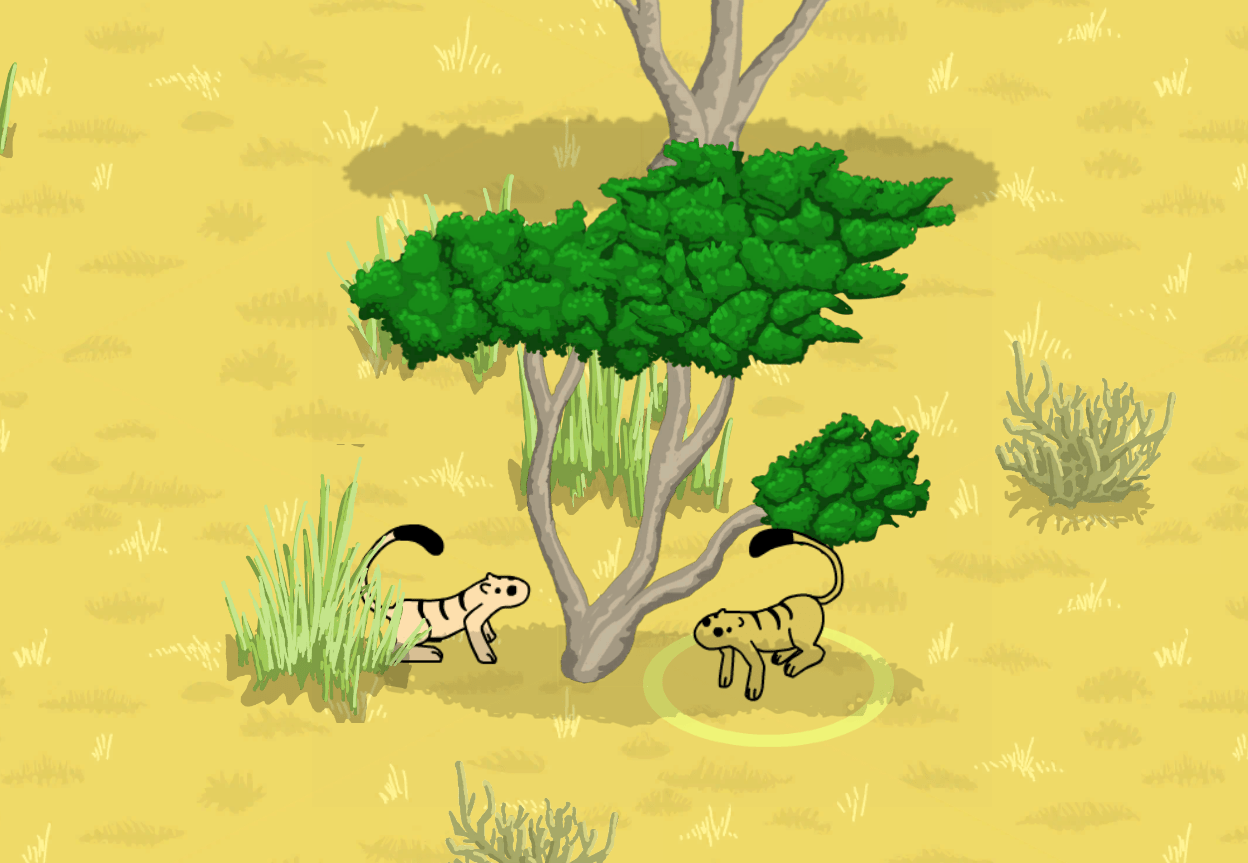
It’s only been a few days since my last post, but I do have new things to share. First, I want to acknowledge a very important milestone, on 2021-07-05…
🌟 Arborlands reached 100 followers on Twitter 🌟
It seems the moving bushes were very popular and a lot of new people joined in!
It has been very rewarding so far to have people join in and follow Arborlands and I want to thank each and every one of you who are following on Twitter, YouTube, Instagram, and here on WordPress – Thank you!
Links, in case you are interested:
I’ll keep working hard to deliver informative and entertaining updates and, of course, work towards the goal of completing the game.
This week’s summary
- New swaying trees
- New separate “selection collider” for Arborian troops
Trees
I worked this week on creating swaying trees. I wanted to create just enough motion to keep the background alive, but not too much. Here is the result:
Earlier in the week I created a prototype tree, I wanted to create a white-bark tree like a Birch, but it came out looking a bit more like leafy green vegetable 😅 (see image below).
I also had a bit of a struggle with Adobe Animate’s sprite-sheet creator. A sprite sheet is an image that contains all the frames in a sprite’s animation arranged in a grid.

While I’m sure this tool was supposed to make people’s life easy, I found it to be largely deficient for the following reasons:
- Export resolution is too low
- Maybe I just haven’t found the control for this, but it seems there is little control over PNG quality with the sprite-sheet creator
- The tool seems to be padding the images (even when you have padding set to zero)
- For example, if you have 5 images, each 500 pixels in width, the sheet should be 2500 pixels wide, right? Apparently not, if I set the width to 2500, the tool complains that the sprites don’t fit and automatically clips the last sprite in each row 😞. I had to expand the image by a few pixels and would end up having to shift the width to some silly width like 2507.
So I just defaulted back to my original method which is to manually lay out all the sprites in a grid and export the full image using the legacy export. I find that if I don’t do this, the sprites end up looking too blurry. Example:
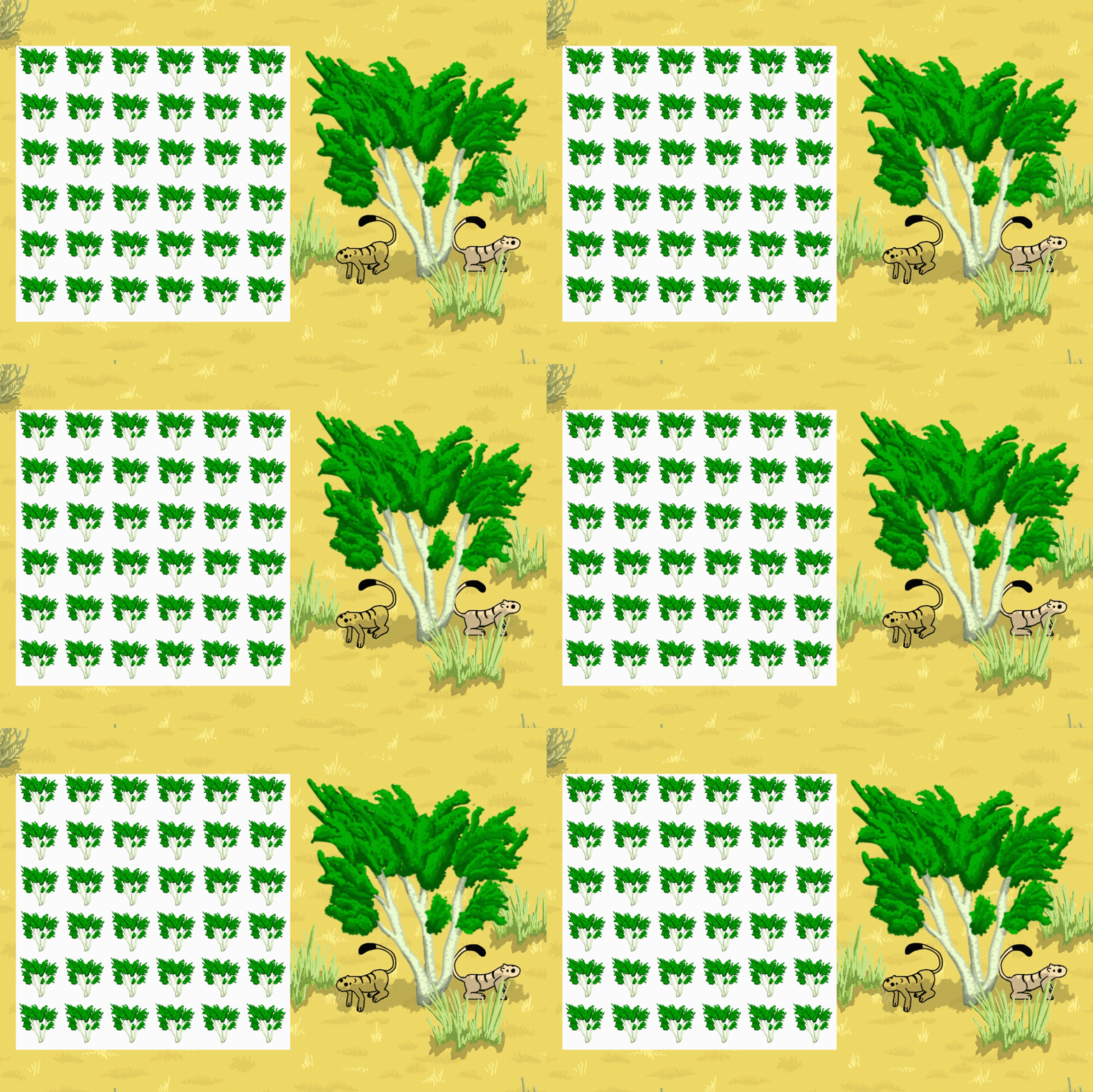
I don’t mind this process: since Animate has other mass productivity features that are actually very good, it actually isn’t very labor intensive. I wish the sprite-sheet tool worked, but I can live with the workaround.
The slight drawback with this method is that a proper hi-res sprite animation requires pretty big images. Adobe Animate doesn’t seem to like exporting any images bigger than 8,000 pixels, so for a 36 frame animation, I had to export 4 sprite sheets. Unity doesn’t really like dealing with big image files either, so there was a little bit of a wait when I imported the sheets to Unity.

Each tree actually has two separate sprite animations: one for the tree, one for the shadow. I have to do it this way because the shadow and tree need to have a separate sorting order. That is, there are situation where the Arborian is behind the shadow, but in front of the tree. So, all counted, each tree has 36 + 36 = 72 sprite frames. I had this process fairly well industrialized by the time I did the third tree, so that one only took me about 1.5 hours. Time well-spent for a reusable game asset that looks decent 👍.
The trees all have a randomizer algorithm to ensure that they don’t sway continuously or in any kind of predictable rhythm. Let me know what you think! 🙏
Collider Fun
Aside from the trees I also added an additional collider to the Arborian. I did this because the Arborian needs to collide with two separate types of objects.
The first type interacts with regular environmental objects such as trees, bushes, rocks, or other obstacles. This collider must let the program know when the Arborian is touching the object so that the appropriate action can occur. This collider doesn’t need to be very big and is only a narrow invisible strip at the Arborian’s feet.
The second type is the mouse selection collider. This collider needs to be a bit bigger than the Arborian itself so that players can easily hover-over or select the troop. I wouldn’t want to use this bigger collider to detect grass collisions, because it is bigger than the troop and would detect a collision before that sprites actually appear to touch! 😖
So now I have both and they seem to work nicely.
A note on blog frequency
I am considering skipping the next dev blog and moving to once-every-two-weeks. The blogs do take up some time and I am not seeing a whole lot of traffic on the site or on YouTube, so I think I might save some time by changing to a less frequent interval. I’m not yet settled on this though…
Thanks for reading!
 Arborlands