

Something daunting was happening to Arborlands recently – the game was starting to run slowly.
One of the reasons I thought I was better off living in the world of 2D games was that computers wouldn’t have to think so hard to run my game. I thought I would automatically have no issues with slow performance and low frame-rates.
But the I noticed that as my maps got bigger, my frame rate was dropping. At times it would be as low as 12 frames per second!
Luckily, Unity has a robust profiler that can be monitor your game’s performance while the game runs in the editor.

This allowed me to see what was causing the slowdown. The image below reveals the issue – animations and physics were really eating up my CPU. But where were these processes being used?
After a process of elimination (turning certain objects on and off) I was able to find the culprits:
- Animations, which were being used primarily by plants
- Heavy physics computations caused by the physics objects attached to the land tiles
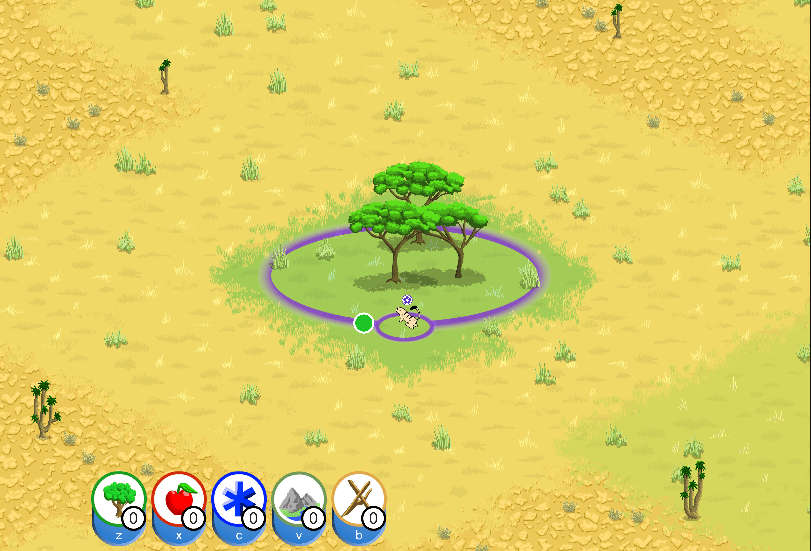
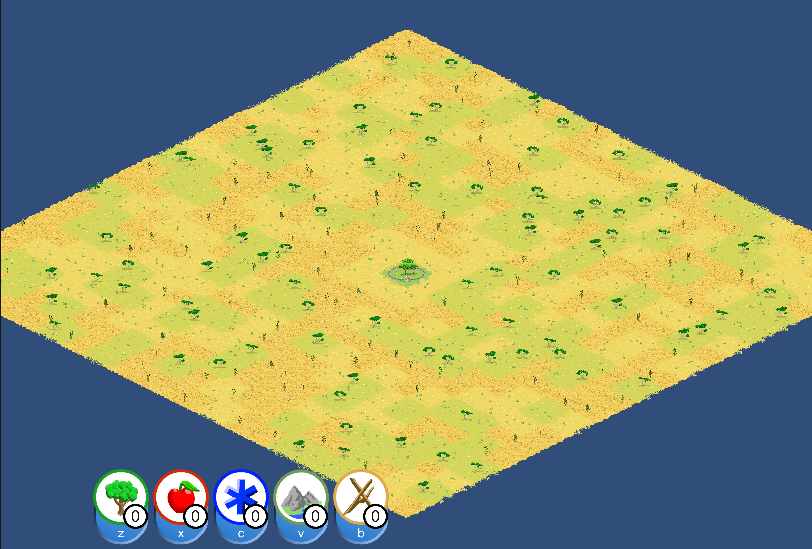
On larger levels, Arborlands can have hundreds of land tiles, and each can have dozens of plants. As levels get bigger, you can see how this can become a real problem.
I tried looking around for a solution online and was even about to tackle the animation issue by writing some custom code when I realized that Unity has some handy built-in options for this.
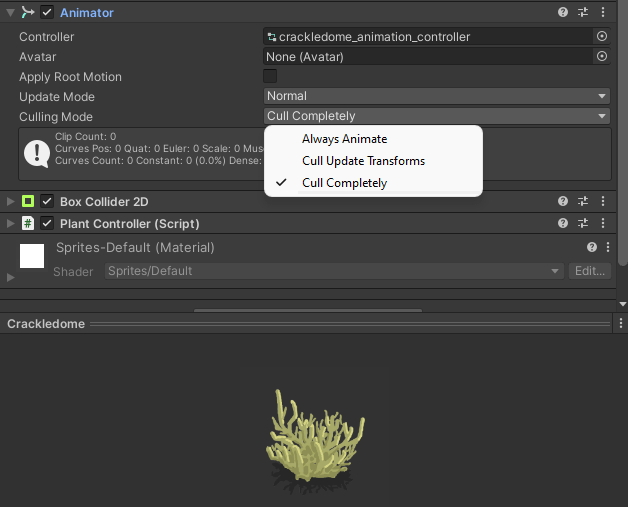
Animations can be changed to “Cull Completely”. I’m not sure exactly what logic Unity uses here, but the culling means that the animations not constantly processing and taking up valuable CPU cycles.
The RidigBody2D objects used by the land tiles can similarly be modified to go to sleep by toggling the “Start Asleep”. I’m guessing this means they aren’t listening for interactions with other physics objects, which apparently saves a lot of cycles!
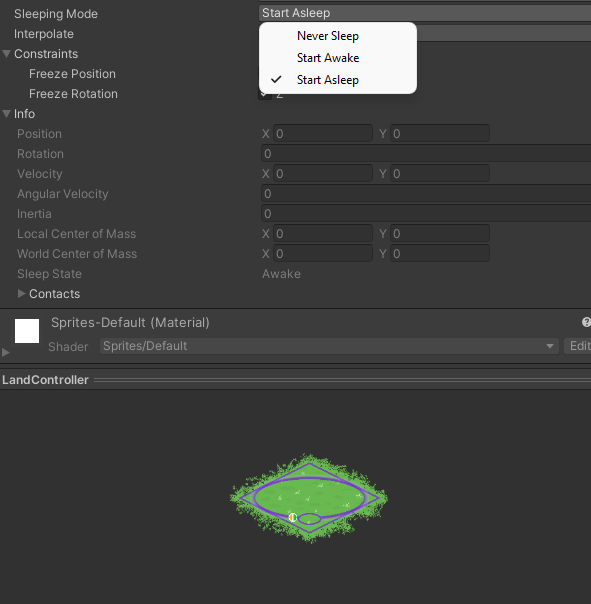
I actually don’t like having any physics object on the land tiles. They seem unnecessary to me since the lands don’t move after their initial placement and do not have physical interactions. But I have found that arranging the tiles and the plants upon them doesn’t work without a RigidBody2D. This is something I may need to research in the future, but now that the performance issue seems to be resolved, it’s very low priority.
The reason I had the options were set to the less efficient “Always Animate” and “Never Sleep” was because I was still using tutorial-level settings from when I first started tinkering with Unity. I guess this is just part of becoming a more experience game developer!
As a result of these computation-saving methods, the profiler is now showing a much more efficient mode of operation:

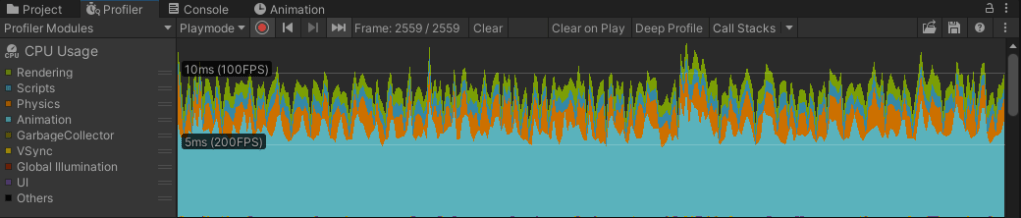
Note how much less computation is spent on physics! It seems that, for now, animation will continue to be the bulk of the CPU’s work, but it is still much less demanding than before 🌟.
Thanks for reading!
 Arborlands