
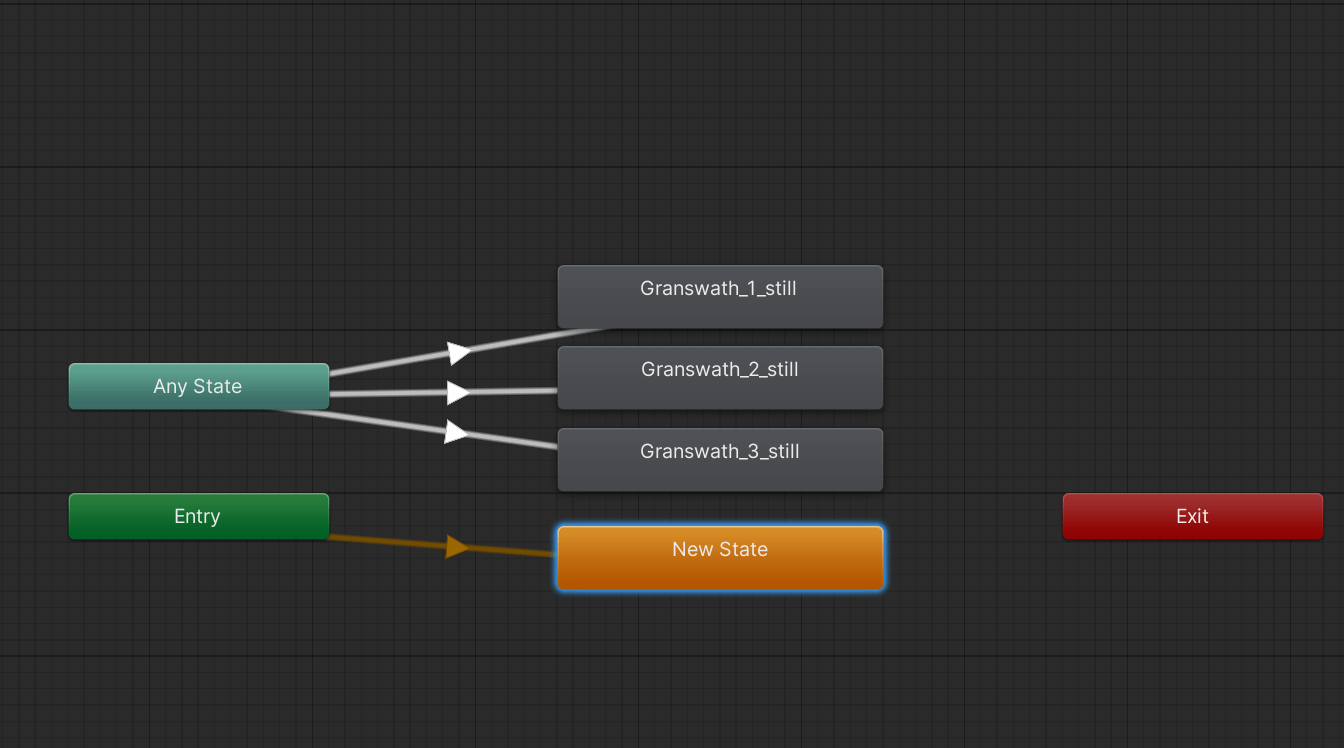
I shared last time how increased performance significantly by culling animations. But shortly after I did this, I found a very annoying bug. Take a look at this:

As some trees were first appearing, they were changing from one tree type to another.
Obviously, this is a no-go, but why was it happening? Well, it is partly because of how I set up the trees. Instead of creating multiple tree objects, I create one object and use an animator to show different tree types depending on a randomized value. This harkens back to my ActionScirpt 3.0 days (for Adobe Flash) where I learned to cut down on actual objects by storing sprites on a timeline and simply moving to the desired frame depending on which sprite I wanted to show.
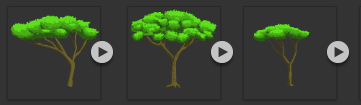
But this is Unity and it works very differently than Flash 🥲. Unity Animators have a “default state” which is a video clip that they automatically start up with. In my case the “default state” was a single-frame clip of one of the tree types. Because that default state was set, trees were first loading with that particular frame and then the algorithm was changing them after loading.
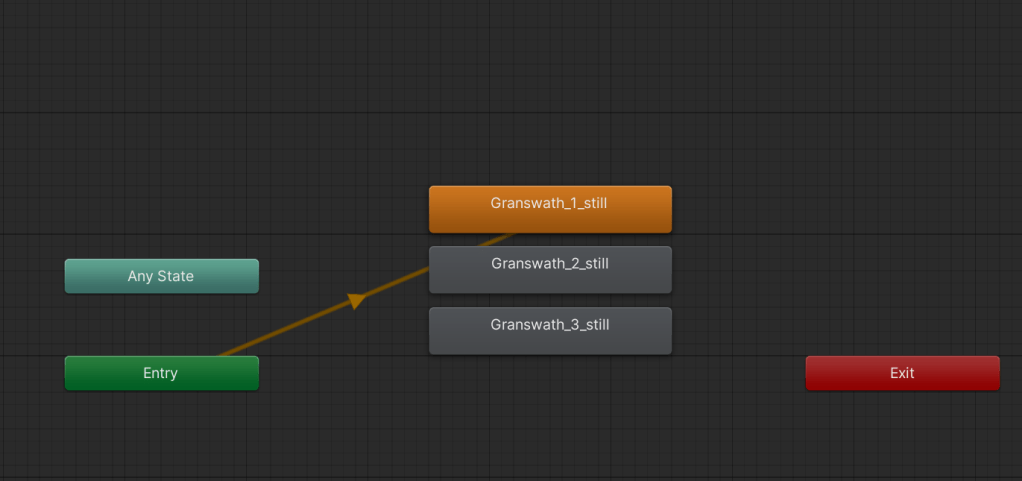
Before I switched to the animation culling, all the animators ran this algorithm almost immediately after launch. But after culling was turned on, the algorithm only ran after the tree became visible for the first time! This was causing some of the trees to switch after rendering!!
It took me a really long time to figure out what I did wrong. I was assuming that the animation was playing through all the animations before getting to the desired clip. In my frustration, I was almost resigned to splitting all my trees into separate objects 🙀.
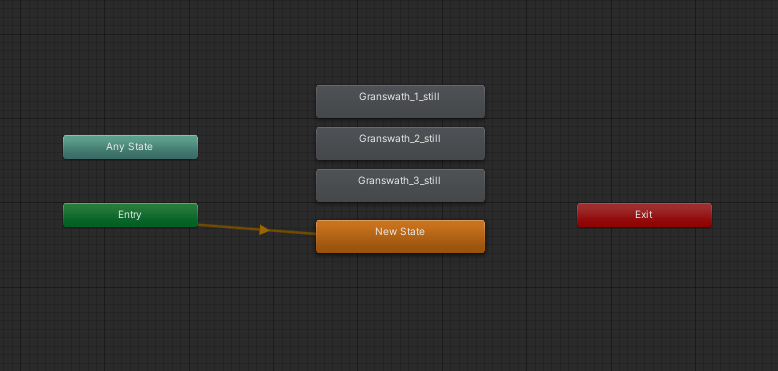
But then I finally realized all I had to do was set the default animation state to be an empty frame. This way, the objects may first render as nothing and then move to the desired tree frame. This is much more preferable than watching a tree change form right before your eyes.
Also, before you protest, yes, there will eventually be a “growing” animation and trees won’t just appear out of thin air 😄.

Issue fixed by setting default transition to an empty animation
Anyway, I hope this helps you not do what I did!
 Arborlands