
Monday this week fell on the 31st of May, so by the Arborlands calendar, this is May’s 5th week. (So, months can have a fifth week, who knew? 😕)
This week was about crafting more of Arborlands’ arid environment. But I did have one misadventure:
Shadow Boxing
I took another go at tackling the shadow issue mentioned in Arborlands Dev Blog – May 2021, Week #2.
I checked out this really cool solution to prevent additive blending of shadows by Mispy. Unfortunately, it did not fix my problem. You see, the method used here actually prevents parts of shadows from rendering so that they don’t end up shading the same place twice. So, in cases when something is supposed to be in shadow, Unity’s pivot sorting can place you under a shadow that is not being rendered. See below:
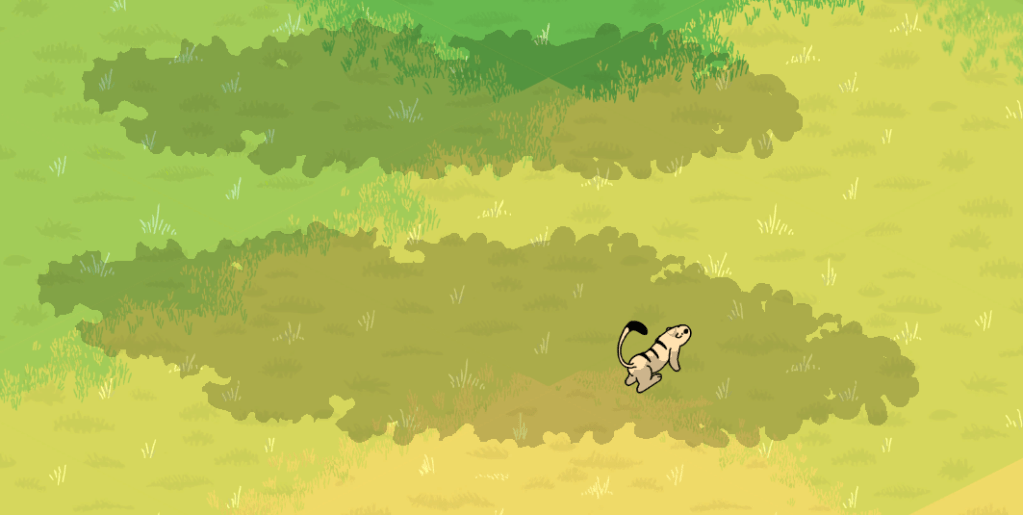
In the image above, the Arborian should be covered by the shadows. So why is it sticking out?
Here’s why: The lower shadow is made up of two copies of the upper shadow. The technique I’m using prevents one of the shadows from rendering in places where both overlap. This ends up leaving gaps in the shadow if you are using pivot sorting. Pivot sorting is a method that determines if an object is in-front or behind another object based on where it is on the screen.
In the image above, the Arborian sprite is behind the shadow that is being cut out, but in front of the shadow that is complete. So the part of it’s body that is in front of the cut shadow is unshaded.
Theoretically, I could fix this problem by making sure that shadows that are lower on the screen cut out other higher shadows, but I have so little experience with shaders that I don’t want to venture into it when I have so much of the game yet to create.
If I place both shadows in the layer above the Arborian, it will be fully covered. But I already have a solution based on doing this, I was trying to achieve both proper overlapping and pivot sorting. I suppose the search will have to continue some other time.
Still, thanks to Mispy for the cool technique, it was very easy to follow. I had never worked with shader-writing before and I was still able to get the results shown in Mispy’s site.
Now – The Graphics
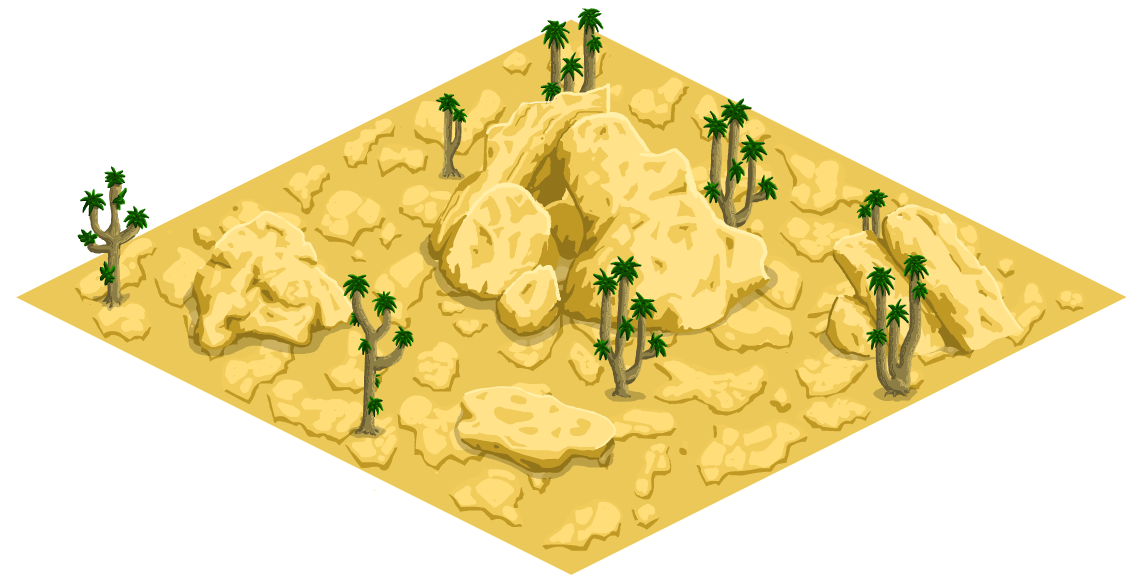
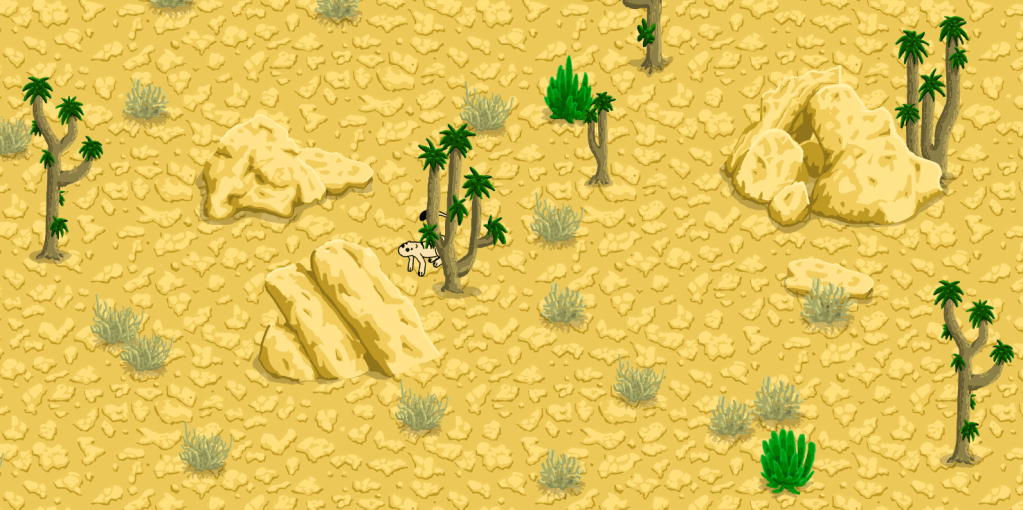
I really like desert landscapes and needed something that contrasted with the greener backgrounds. I spent most of my efforts this week drawing these graphics in Adobe Animate.
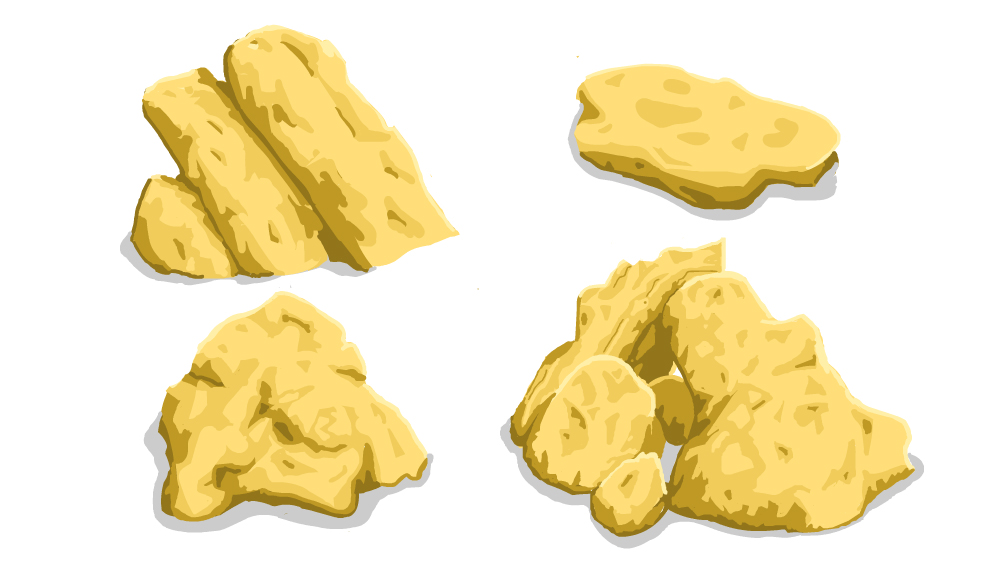
I like the results so far. I must say, I am not enjoying creating the graphics as much as coding. Drawing is very time consuming and the results don’t show up as fast as coding a new functionality.
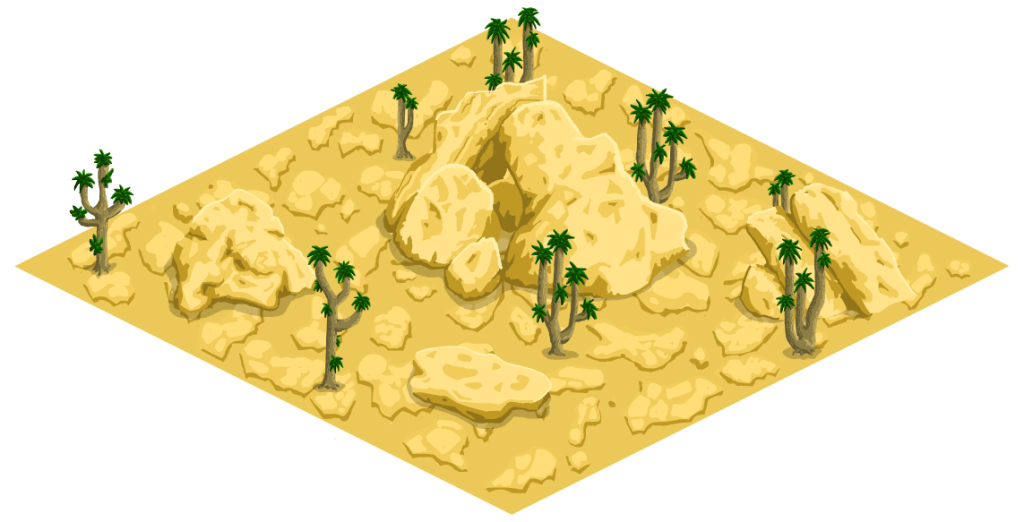
One nice thing about drawing is that I can do it while listening to people talking. So I can listen to professional training audio or a podcast while generating new graphics. Coding, on the other hand, is far more demanding of the verbal part of my brain and there is no way I can actually catch what someone is saying while I am problem solving and writing code.
Another nice thing about graphics is that the motivational payoff can be more visible when you are done. It is really fun to see a new scene coming together!
Thanks for reading, I’ll see you next week 😉.
Video version of the blog:
 Arborlands