
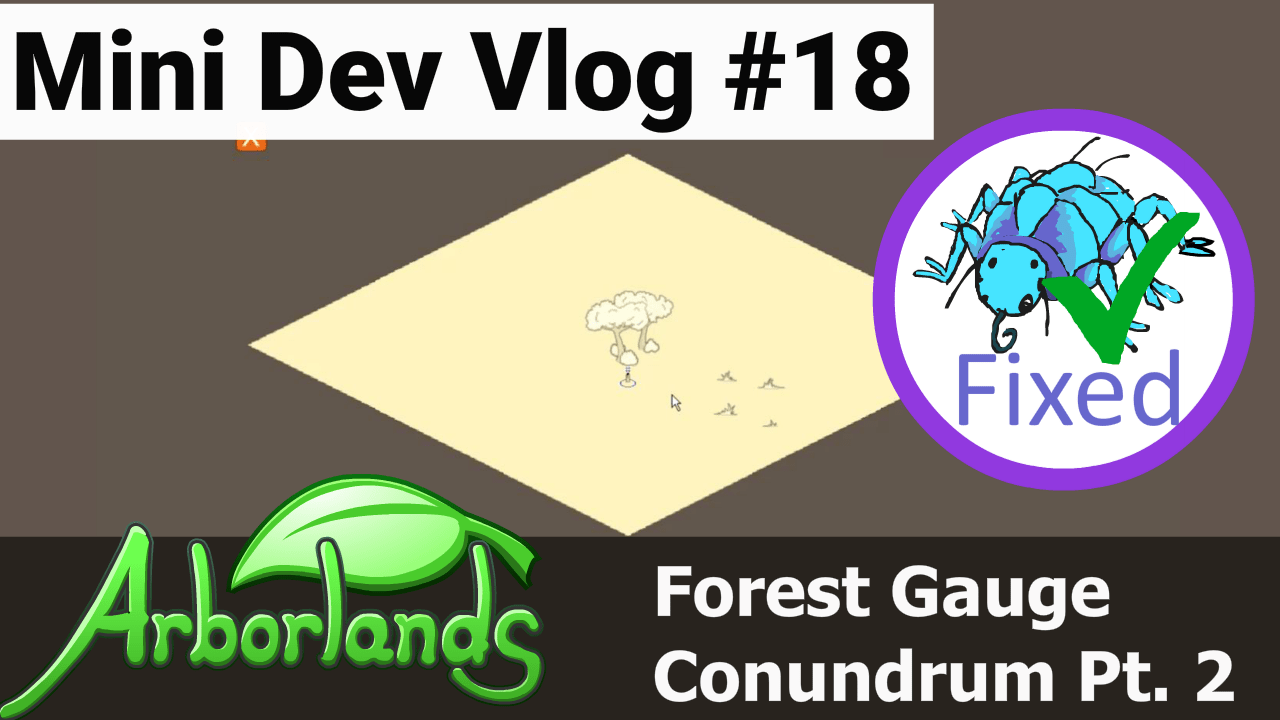
If you’re reading this and wondering where are the first 16 mini dev vlogs, fear not! They are all available on the Arborlands YouTube channel. You can watch them all in the Arborlands Mini Dev Vlog playlist.
The bug encountered here started in mini dev vlog #17. I had been working on the process of mapification – turning the regular level’s graphics into a schematic map when the player zooms out. This was surprisingly difficult because of all the layers it involves.
The bug I created here was that not all graphics were disappearing when the player zooms out.
When dealing with picky little bugs like these, I try to make sure any fix is accompanied by a test that proves it is working. If I don’t do this, I could very well end up re-creating the bug somewhere down the road. The tests don’t ensure the bug doesn’t happen again, but they do ensure that I will catch it.
The tests can be run at any time and only take about 25 seconds. This frees me from manually starting the game and checking for every bug I’ve ever encountered – I create too many bugs and my memory isn’t good enough to remember them all! 😄
Here’s what the game looks like after the fix:
After the fix, everything is behaving as it should. A quick note, graphics on the “mapified” mode are not final, so they might seem a bit bland right now.
I didn’t run through how I fixed this particular issue, since I just wanted to share my fix-and-test process here.
Thanks for reading!

